|
|||
|
Machinist's Calculator Calculator for Machinists and CNC Programmers |
|||
| | Home | Features | Download | Purchase | Support | | TRY FOR FREE! | ||
Drill Point and Countersink DepthsThis application will enable the user to quickly calculate drill point depth and countersink depth or angles. |
 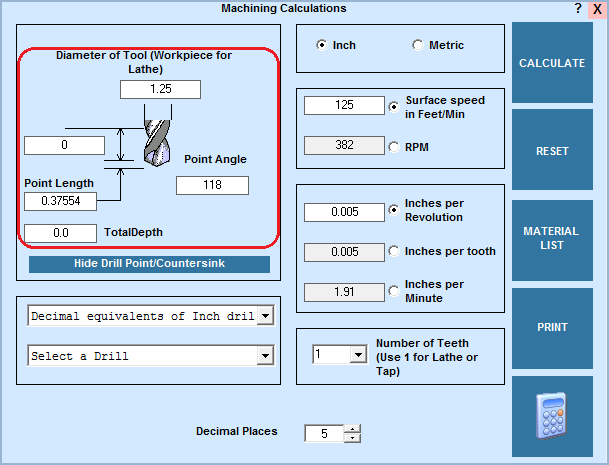
PC and Windows tablet version screenshot
|
Mobile version screenshot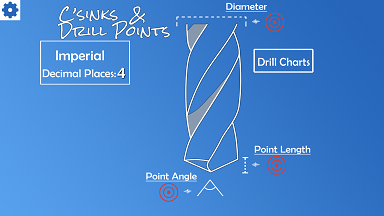 |
||||
|
You may type the size of the drill or countersink directly into the "Diameter of Tool" field (you can use decimal or common fractions in this space). Alternatively, click the down arrow and use the drill charts to find the size needed. Click on the line to enter it into the diameter window. Choosing a metric tapping drill will change the calculations to "Metric". If you wish, you can click the "Inch" option to convert the values to inches. This application opens ready to use the measuring system last used. You may also use the "Inch" and "Metric" options to convert values shown between Inch and Metric measurements.
|
|||||
